01
Stable colour over long hours
Package-level construction limits drift at sustained brightness, reducing recalibration visits.
MIP P0.9 packages each RGB die before assembly, which protects the pixel during handling and keeps colour stable at sustained brightness. It suits operations rooms where the wall runs all day at a fixed output.
Every unit is assembled and tested in Shenzhen before packing. Cabinet drawings, pixel map and control-system settings are supplied with the shipment, so the configuration on site matches the quotation.
Specifications
Engineering decisions behind MIP P0.9, and what they change on site.
Package-level construction limits drift at sustained brightness, reducing recalibration visits.
3,850 nits gives headroom in rooms that cannot fully control daylight.
Each die sits inside its own package, which protects the pixel during rigging and service.
MIP P0.9
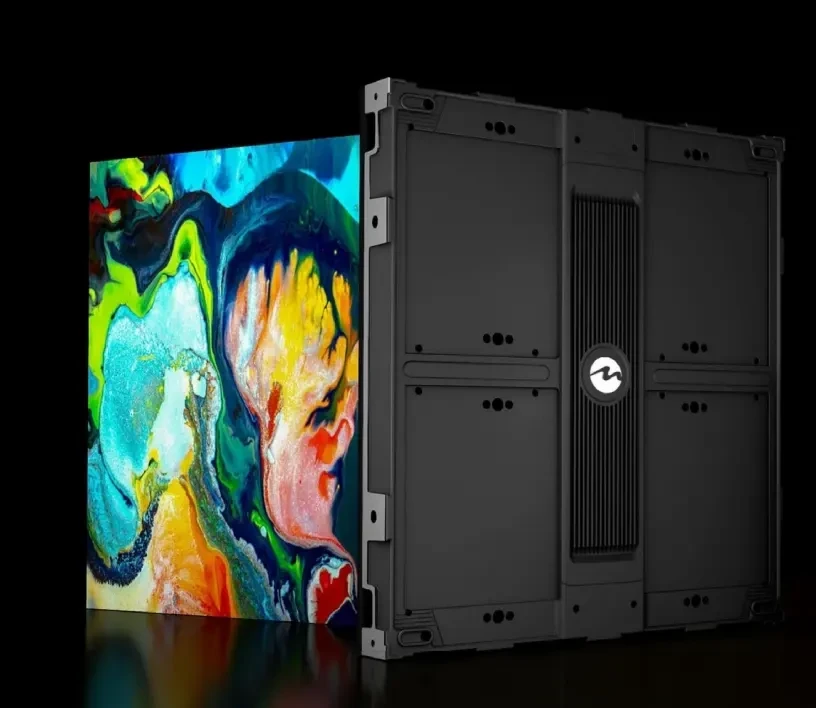
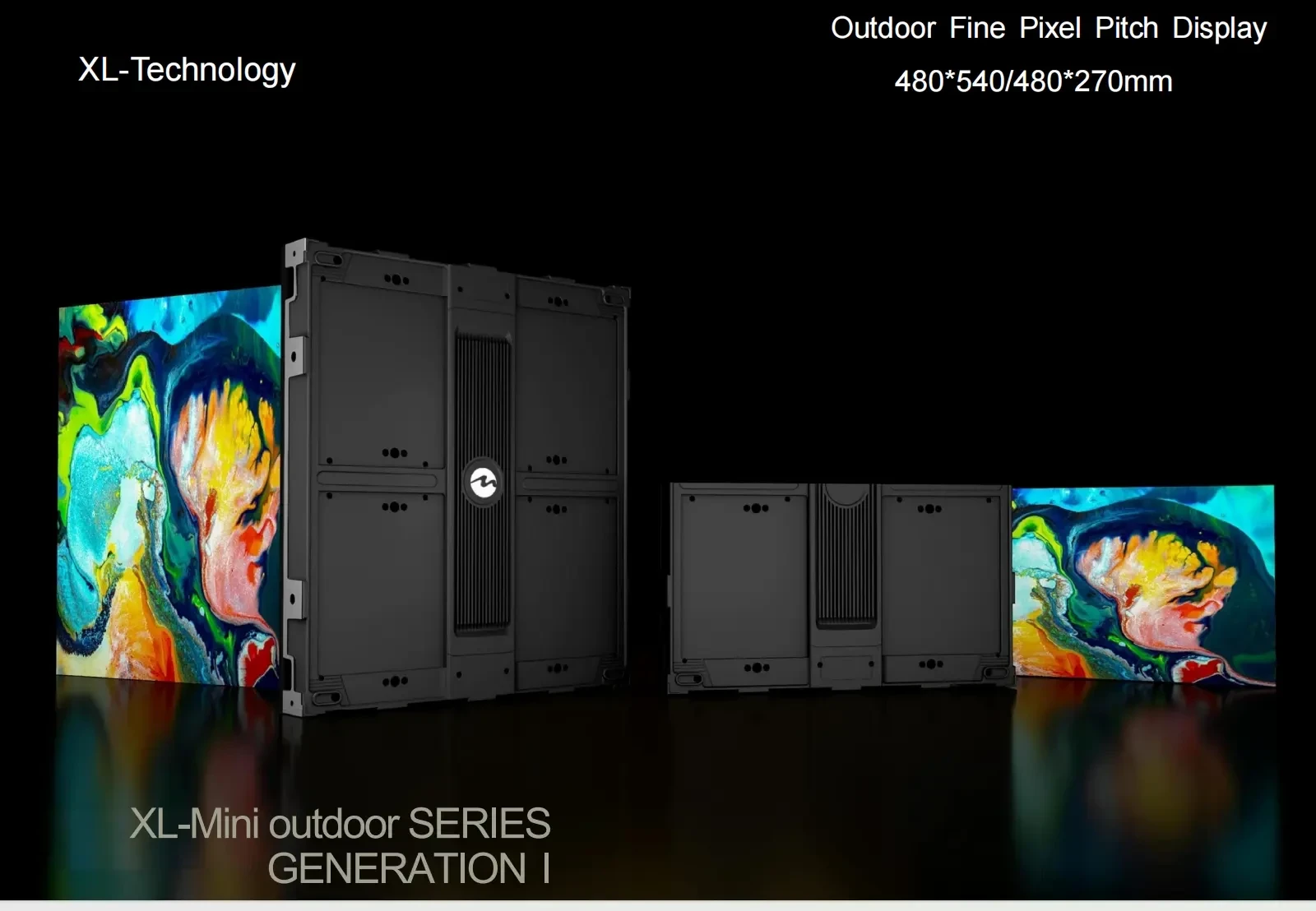
MIP P0.9 uses MIP packaging: each RGB die is packaged before the module is assembled. The 600 × 337.5mm cabinet then carries the packaged module, driver and power supply as a front-service unit.
Packaging protects each die before module assembly and creates a more uniform black surface than an exposed lamp array.
The packaged LEDs are mounted to the driver board as one module, keeping the pixel structure stable through handling and service.
A machined frame holds the module plane and provides wall or recessed mounting points. The frame is the reference for seam planning.
Receiving cards and power supplies sit on a serviceable carrier behind the module, accessible from the front.
The decisions that affect how MIP P0.9 looks, installs and stays serviceable on site.
The packaged surface lowers reflectance and keeps the wall visually calm when content is dark, which suits control rooms and boardrooms.
3,850 nits gives the wall room to run at reduced output in dim rooms while still meeting daylight conditions in lobbies.
The package and board are selected for continuous operation, with heat spread across the cabinet rather than concentrated at the module centre.
High refresh and grayscale depth keep scan lines out of video calls and broadcast footage.
Service is planned before the wall is built. Modules, cards and power supplies are replaced from the access direction agreed on the drawing.
The module is released from the front, so a wall in a finished room can be serviced without rear clearance.
Receiving cards and power supplies are field-replaceable units. The cabinet can remain on the wall during replacement.
Spare modules are supplied from the project batch and checked against the calibration record before dispatch.
Product credibility
MIP P0.9 is built on the same production line as our project walls. Cabinets, modules and control settings are recorded per batch, and the documentation travels with the shipment so the site team is not working from memory.
ISO 9001
Factory process control
CE / RoHS / FCC
Product compliance
Batch tested
Aging and calibration record
2–3 years
Standard warranty
MIP selection and delivery
MIP packaging gives a uniform black face with useful brightness headroom. It is a strong fit for rooms that mix presentations, camera work and daylight, but it should be selected against COB on contrast, service and budget.
If the wall faces windows or is used with house lights up, MIP's brightness range gives more room to run at reduced output without losing colour. In a dark room, COB's contrast may be the stronger criterion.
P0.9 suits command centres and close executive viewing; P1.2–P1.5 is the usual boardroom and studio range; P1.8 fits larger rooms where the nearest viewer is beyond 6 m.
MIP walls often run all day. Confirm the cabinet thermal path, the front-service route and the spare-module plan before the wall is closed in.
Model comparison
Pitch, power, cabinet and the job each model is specified for. Open a model to see its cabinet build, service access and quotation route.
| Model | Brightness | Avg power | Cabinet | Specified for | Detail |
|---|---|---|---|---|---|
MIP P0.9Current 0.9mm | 3,850 nits | ≤180 W/m² | 600 × 337.5mm | Control rooms · Command centres | Selected |
MIP P1.2 1.2mm | 3,850 nits | ≤200 W/m² | 600 × 337.5mm | Broadcast studios · Hybrid boardrooms | View model |
MIP P1.5 1.5mm | 3,850 nits | ≤220 W/m² | 600 × 337.5mm | Security monitoring · Boardrooms | View model |
MIP P1.8 1.8mm | 3,850 nits | ≤240 W/m² | 600 × 337.5mm | Lecture halls · Exhibition spaces | View model |
Typical values for the current series. Final brightness, power and cabinet detail are confirmed on the approved specification sheet.
Deployment playbook
MIP is specified when the image must stay stable across mixed lighting and the wall has to remain serviceable in a finished room.
Multiple operators view the wall from different angles for long shifts. Uniform black, high refresh and a controlled thermal path keep the surface readable without glare.
P0.9–P1.2 · 3,850 nits · 24/7 plan
Camera exposure changes quickly. High refresh and grayscale depth suppress scan lines, while brightness headroom allows the wall to be balanced against studio lighting.
P1.2–P1.5 · >7680Hz · camera-tested drive
The wall is part of the architecture and runs during presentations, video calls and showroom hours. A uniform face and quiet operation matter as much as peak output.
P1.2–P1.8 · low-noise cabinet · front service
Delivery control
MIP modules are packaged before cabinet assembly, so batch control and colour matching start earlier in the process. The handover pack records the module batch and calibration.
Handover pack
Cabinet layout, control points, power distribution and the service direction are fixed before materials are cut. The approved drawing becomes the reference for every later check.
LED modules, driver ICs and power supplies are drawn from the same production batch where the order size allows, then labelled by cabinet position.
Assembled cabinets run through an aging cycle and white-balance calibration. Faults found at this stage are corrected before packing, not after arrival.
Cabinets are packed against the transport method and site access. Packaging includes edge protection and a cabinet position label for each module set.
Buyer questions
These are the points that most often change the specification after the first enquiry. If your question is not here, send it with the site details.
Ask an engineerCOB is usually chosen for the deepest black and sealed cleanable surface. MIP is chosen when the room needs more brightness headroom or when the project requires a packaged LED approach. The final choice should be made with a sample under the room's lighting.
No special control platform is required beyond the compatible receiving cards and drivers specified for the cabinet. The quotation states the control system and the settings used during factory testing.
Yes, with the thermal plan confirmed for the installation. Cabinet spacing, power distribution and ventilation are reviewed for continuous operation, and the recommended spare ratio is stated in the proposal.
The current MIP range covers P0.9, P1.2, P1.5 and P1.8 in 600 × 337.5 mm cabinets. Custom wall sizes are built from the cabinet grid, with the final layout confirmed on the drawing.
Next step
The right choice depends on room light, viewing distance and service access. Use these references to prepare a like-for-like comparison.
See how this series is specified against viewing distance, room light and installation constraints.
Open application guideReview project types, cabinet formats and the delivery scope used on comparable installations.
View case studiesRequest the current specification sheet, cabinet drawing and control compatibility list.
Open downloadsSend the wall size, viewing distance and site photos. We reply with a configuration and quotation.
Request a quoteSend viewing distance, wall size and installation type. We reply with cabinet quantity, control layout and a quotation within 24 business hours.