01
Suspended image effect
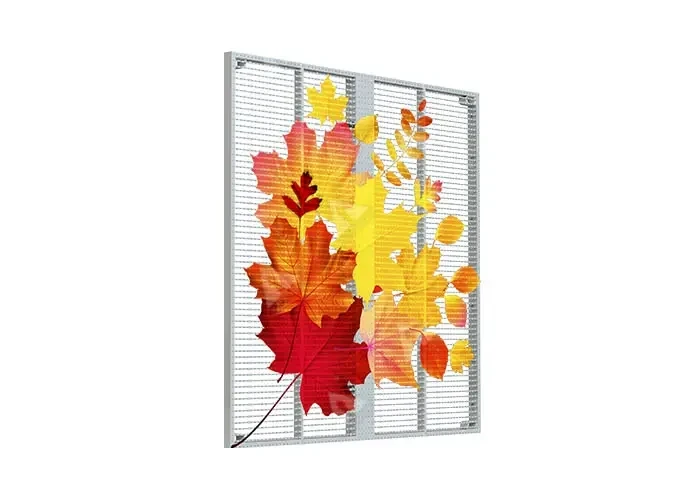
The mesh hangs in free space, so content appears to float in front of the background.
Transparent LED
Hanging LED mesh for floating product features and stage effects, with 80–90% transparency.
3.9mm
Pixel pitch
1,500–8,000 nits
Brightness
>7680Hz
Refresh rate

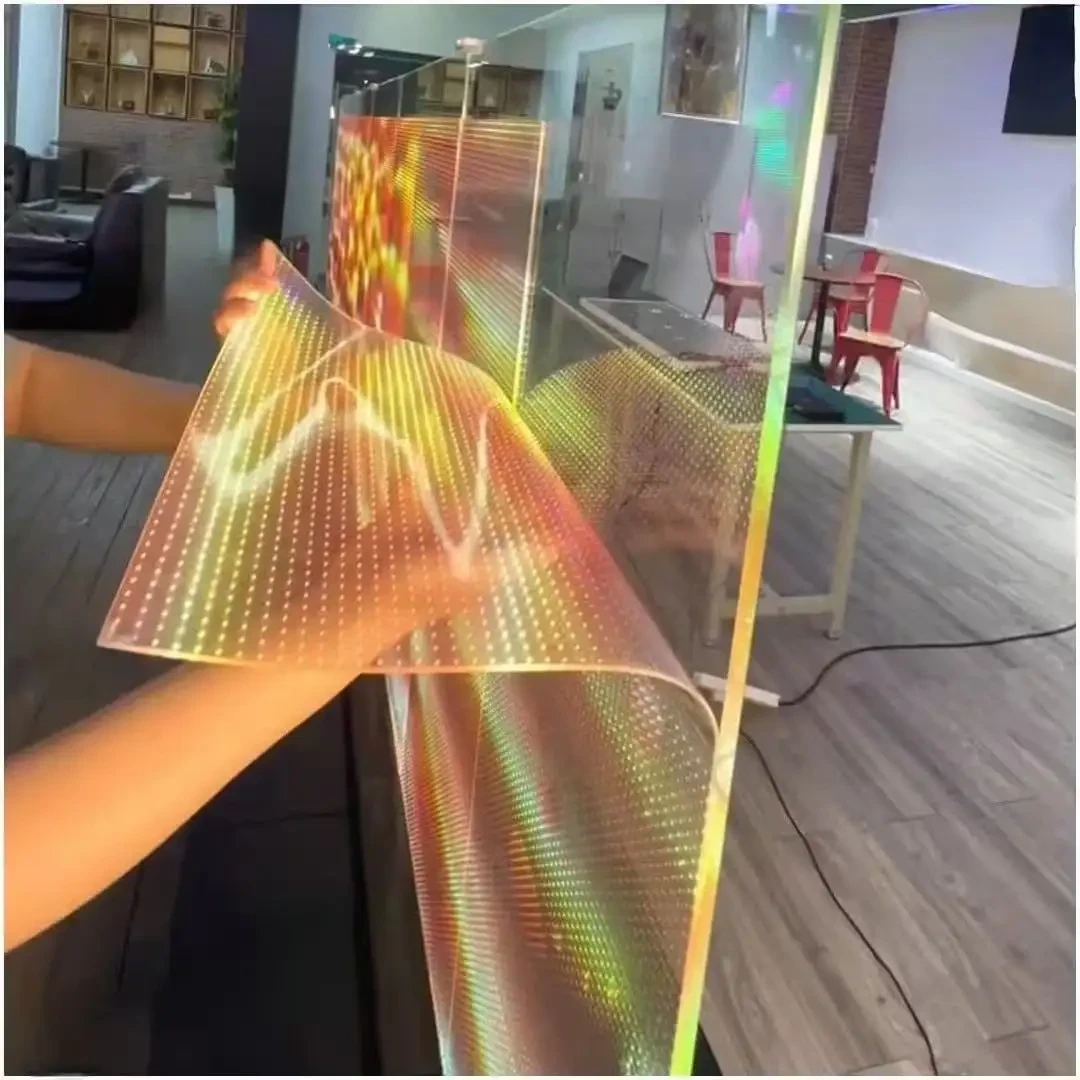
The holographic mesh is suspended rather than bonded, so it can hang in front of a display, a stage opening or a product plinth. The open structure keeps the background visible and produces the suspended-image effect used in retail and exhibitions.
Every unit is assembled and tested in Shenzhen before packing. Cabinet drawings, pixel map and control-system settings are supplied with the shipment, so the configuration on site matches the quotation.
Specifications
Engineering decisions behind Holographic P3.9, and what they change on site.
The mesh hangs in free space, so content appears to float in front of the background.
The open mesh keeps the product or set behind the screen visible during playback.
Standard truss and hook interfaces allow the mesh to be moved between events.
Holographic P3.9
Holographic P3.9 is a suspended LED mesh. The mesh is held in a slim frame and hung from truss, ceiling hooks or a floor frame, so content appears to float in front of the background.
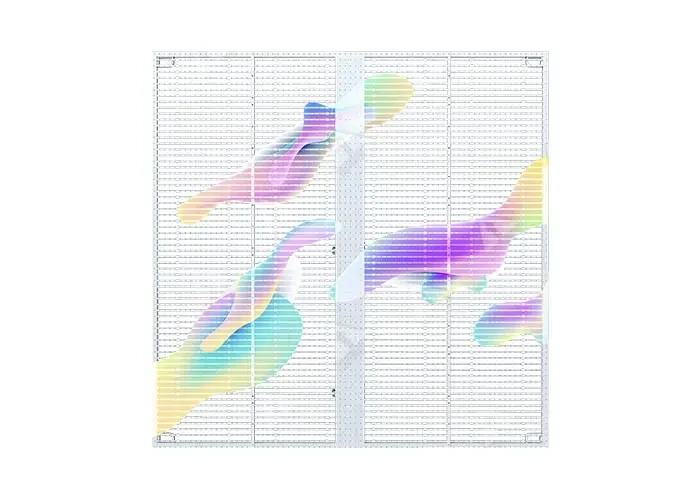
The mesh leaves large open areas between pixels, keeping the background visible and reducing wind load on suspended installations.
The frame holds the mesh at a constant tension and provides the rigging points. Frame size is set from the suspension layout, not only the screen size.
Top and bottom attachment points accept standard clamps, hooks or floor stands. The rigging plan is confirmed against the venue structure.
Power supplies and controllers are located off the mesh, with cabling routed along the frame or suspension points.
The decisions that affect how Holographic P3.9 looks, installs and stays serviceable on site.
Because the mesh is suspended rather than bonded, the background stays visible and the content reads as a layer in the air.
The open structure keeps products, stage sets and architecture visible behind the screen.
High refresh keeps the mesh clean on phones and broadcast cameras, which matters for launches and live events.
The frame and mesh can be moved between events, making the format practical for touring activations and exhibitions.
Service is planned before the wall is built. Modules, cards and power supplies are replaced from the access direction agreed on the drawing.
The mesh is checked for tension and damaged pixels from the front. The frame remains hung during inspection where access allows.
Damaged sections are replaced on the frame. Spare strips are supplied from the project batch for colour consistency.
Each re-hang includes a check of clamps, safety points and cable routing before power is applied.
Product credibility
Holographic P3.9 is built on the same production line as our project walls. Cabinets, modules and control settings are recorded per batch, and the documentation travels with the shipment so the site team is not working from memory.
ISO 9001
Factory process control
CE / RoHS / FCC
Product compliance
Batch tested
Aging and calibration record
2–3 years
Standard warranty
Holographic selection
Holographic mesh is selected when the display should float in front of a product, set or architecture. The rigging and background are as important as the pixel pitch.
The mesh reads best when the subject behind it is controlled and the content has a clear silhouette. Busy backgrounds reduce the floating effect and should be reviewed with a sample.
P3.9 for closer retail and exhibition viewing; P6.25 where the audience stands farther back or the mesh is large. The frame size follows the viewing direction, not only the screen size.
The mesh is held in a slim frame and hung from truss, ceiling hooks or a floor frame. The venue structure and safety points are checked before the frame is detailed.
Model comparison
Pitch, power, cabinet and the job each model is specified for. Open a model to see its cabinet build, service access and quotation route.
| Model | Brightness | Avg power | Cabinet | Specified for | Detail |
|---|---|---|---|---|---|
Crystal Film P6.25 6.25mm | 4,500 nits | ≤180 W/m² | Film roll, cut to glass | Shop windows · Bank branches | View model |
Crystal Film P10 10mm | 4,000 nits | ≤150 W/m² | Film roll, cut to glass | Glass facades · Bank branches | View model |
Holographic P3.9Current 3.9mm | 1,500–8,000 nits | ≤260 W/m² | Hanging mesh, 500 × 500mm | Retail launches · Exhibitions | Selected |
Holographic P6.25 6.25mm | 1,500–8,000 nits | ≤220 W/m² | Hanging mesh, 500 × 1000mm | Atrium suspensions · Window displays | View model |
Standard Transparent P3.91–7.8 3.91–7.8mm | 5,500 nits | ≤280 W/m² | 500 × 500 / 500 × 1000mm | Building facades · Atrium walls | View model |
Standard Transparent P5.2–10.42 5.2–10.42mm | 5,000 nits | ≤240 W/m² | 500 × 1000mm | Shop windows · Interior partitions | View model |
Standard Transparent P10.42 10.42mm | 5,000 nits | ≤200 W/m² | 500 × 1000mm | Glass facades · Atrium glazing | View model |
Typical values for the current series. Final brightness, power and cabinet detail are confirmed on the approved specification sheet.
Deployment playbook
The format is strongest where the audience should see through the screen and the content needs to feel physically present.
A product sits behind the mesh while graphics float in front. The window stays open and the display becomes part of the visual merchandising.
P3.9–P6.25 · 80–90% transparency
Layered graphics sit in front of an exhibit without hiding it. Content and sightlines are planned together with the curator.
P3.9–P6.25 · controlled light
A vehicle or product reveal uses the mesh as a floating layer. The frame can be reused for a tour or a series of events.
P3.9–P6.25 · reusable rigging
Delivery control
The frame, mesh and pixel map are produced together. The content team receives the active area and mapping before the event build.
Handover pack
Cabinet layout, control points, power distribution and the service direction are fixed before materials are cut. The approved drawing becomes the reference for every later check.
LED modules, driver ICs and power supplies are drawn from the same production batch where the order size allows, then labelled by cabinet position.
Assembled cabinets run through an aging cycle and white-balance calibration. Faults found at this stage are corrected before packing, not after arrival.
Cabinets are packed against the transport method and site access. The frame is labelled by rigging point and packed with the pixel map and re-hang checklist.
Buyer questions
These are the points that most often change the specification after the first enquiry. If your question is not here, send it with the site details.
Ask an engineerNot necessarily, but a controlled background gives the strongest floating effect. The content and background are reviewed together, and a sample can be tested before the final specification.
Yes, with a frame and rigging points designed for the venue structure. The ceiling load, safety points and access for re-hanging are confirmed before production.
The frame and mesh can be designed for repeated events. A re-hang checklist and labelled rigging points are included for touring or multi-site use.
A pixel map is supplied for the active area. The content team uses it to build artwork without stretching or guessing the transparent border.
Next step
Use the retail guide, case references and transparent white paper to confirm rigging and content mapping.
See how this series is specified against viewing distance, room light and installation constraints.
Open application guideReview project types, cabinet formats and the delivery scope used on comparable installations.
View case studiesRequest the current specification sheet, cabinet drawing and control compatibility list.
Open downloadsSend the wall size, viewing distance and site photos. We reply with a configuration and quotation.
Request a quote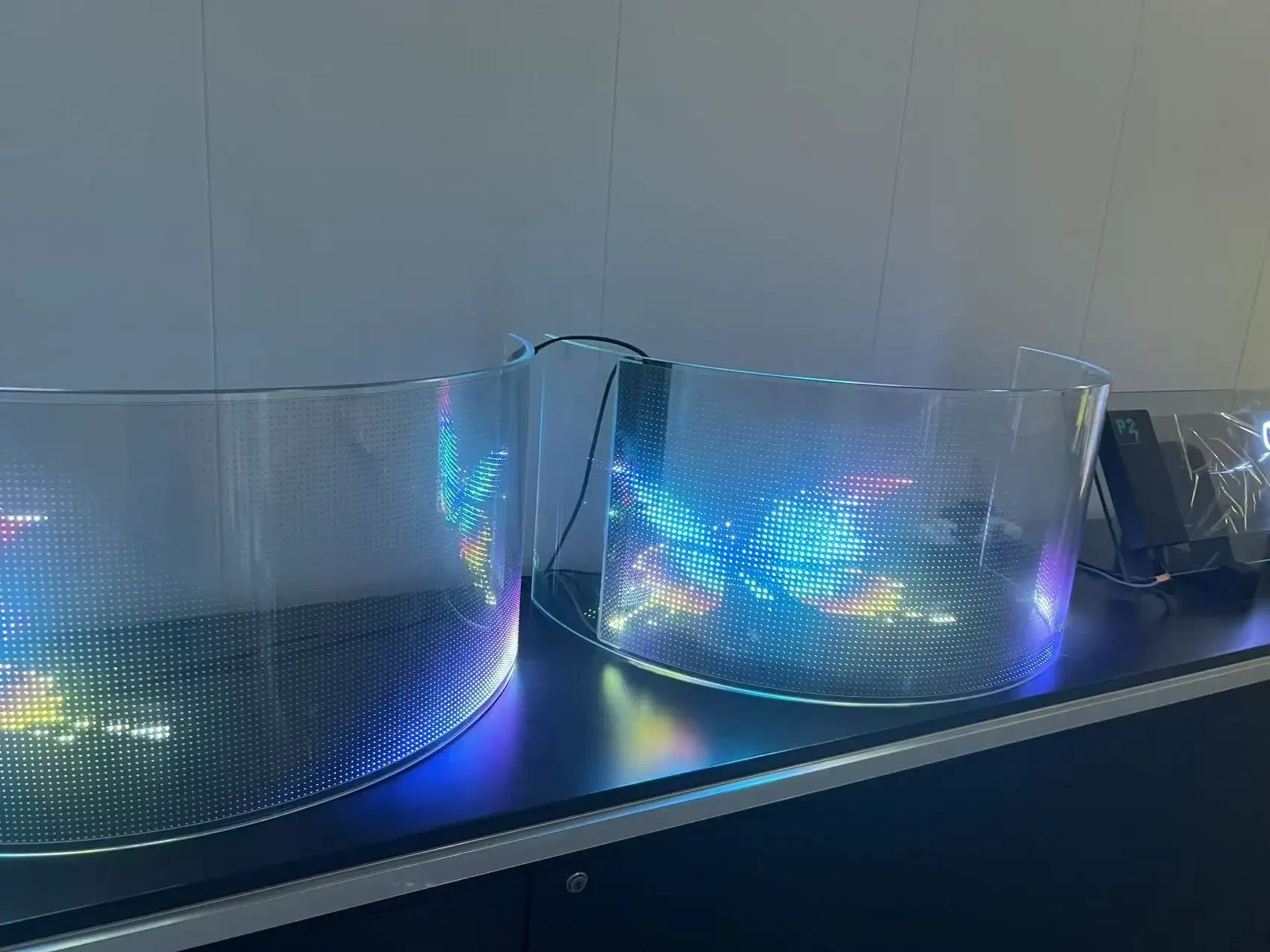
Crystal Film P6.25
6.25mm · 4,500 nits
Film roll, cut to glass
Crystal Film P10
10mm · 4,000 nits
Film roll, cut to glass
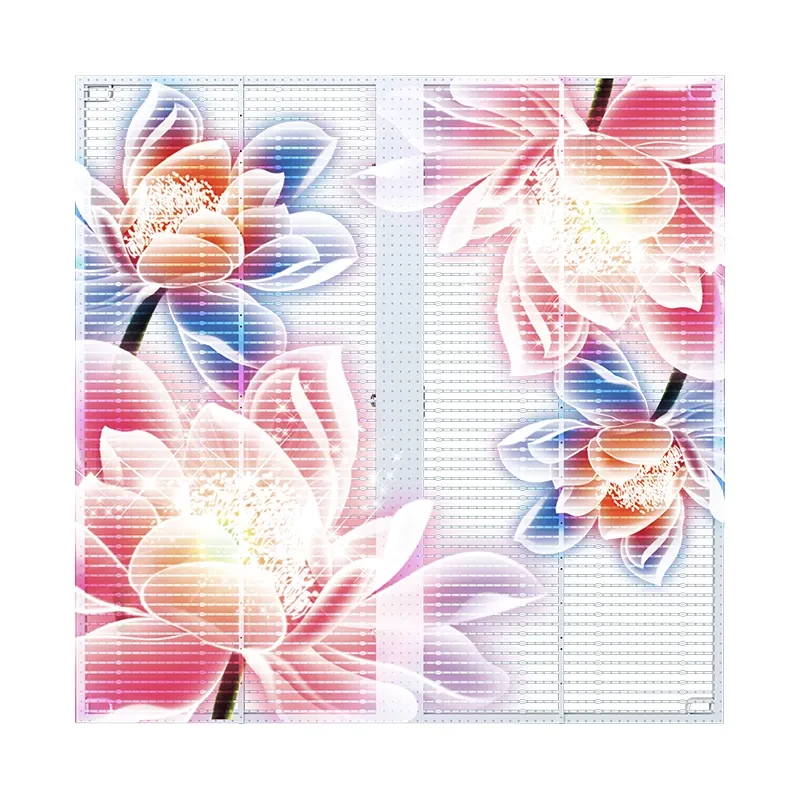
Holographic P6.25
6.25mm · 1,500–8,000 nits
Hanging mesh, 500 × 1000mm
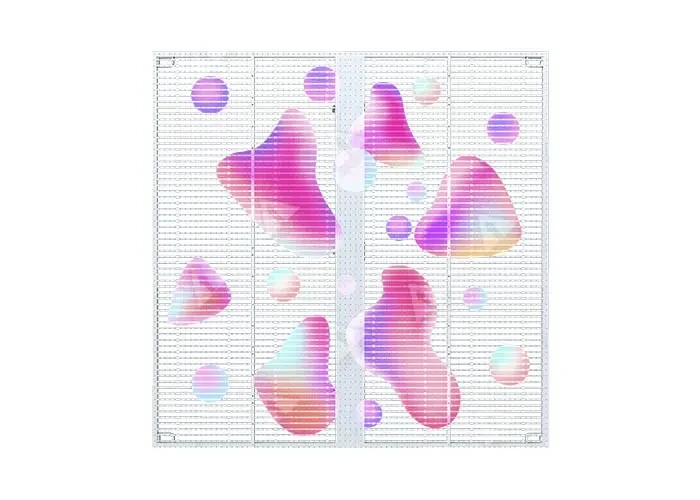
Standard Transparent P3.91–7.8
3.91–7.8mm · 5,500 nits
500 × 500 / 500 × 1000mm
Standard Transparent P5.2–10.42
5.2–10.42mm · 5,000 nits
500 × 1000mm
Standard Transparent P10.42
10.42mm · 5,000 nits
500 × 1000mm
Send viewing distance, wall size and installation type. We reply with cabinet quantity, control layout and a quotation within 24 business hours.